Managing apps on Android can be a hassle especially if you’re a power user who wants full control. That’s where App Manager steps in. This open-source tool is packed with features that make app management smarter, faster, and more secure. Whether you’re a developer, privacy enthusiast, or just someone who wants to clean up their phone, App Manager has something for you.
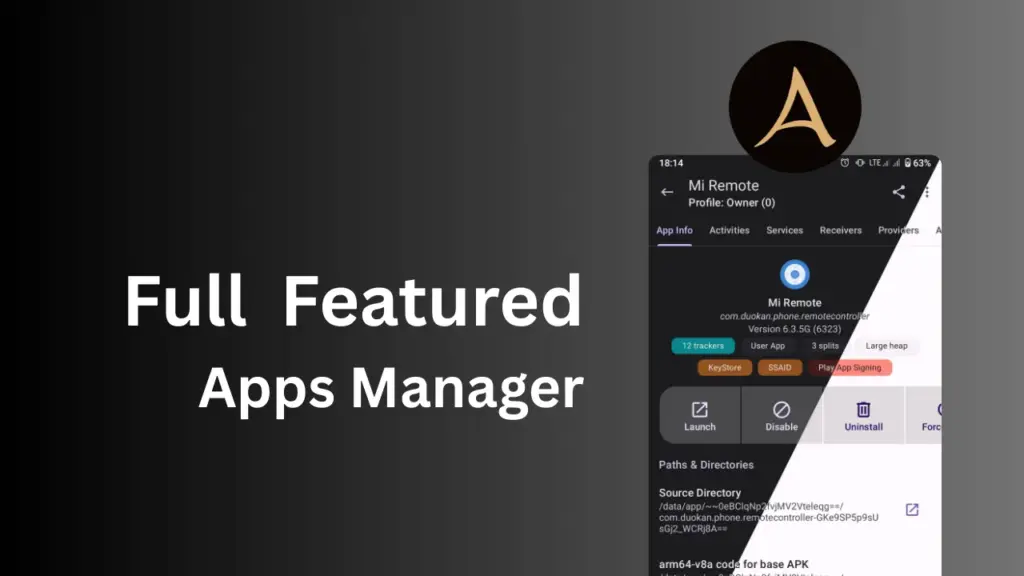
Table of Contents
What Is App Manager?
App Manager is a free and open-source Android app that gives you deep control over the apps installed on your device. It’s not just an app viewer it’s a full toolkit that lets you inspect, modify, back up, and even block app components.
Built under the GPLv3+ license, it respects your freedom and privacy. It uses Material 3 design with dynamic colors, making it both functional and beautiful.
Key Features of App Manager
Here’s a breakdown of what App Manager can do:
General Features
- View detailed app info: permissions, services, activities, receivers, and more.
- Scan apps for trackers and libraries.
- Launch or intercept activities and services.
- Create shortcuts for any activity.
- View and save app manifests.
- Monitor app usage, data usage, and storage (requires Usage Access permission).
- Install/uninstall APKs including APKS, APKM, and XAPK with OBB files.
- Share, back up, and restore APKs.
- Batch operations and one-click tasks.
- Built-in logcat viewer and exporter.
- Profiles, debloater, code editor, file manager, and terminal emulator.
- Sign APKs with custom signatures.
- Encrypt backups using OpenPGP, RSA, ECC, or AES.
- Open apps in Aurora Store or your favorite F-Droid client.
Root/ADB-Only Features
- Revoke dangerous and development permissions.
- Kill or force-stop apps and processes.
- Clear app data or cache.
- Control battery optimization and net policy.
- Freeze/unfreeze apps.
Root-Only Features
- Block any app component (activities, services, receivers, providers).
- View/edit/delete shared preferences.
- Full backup/restore with data, rules, and extras.
- View system configurations and SSAID.
Upcoming Features
- Finder tool to search components across apps.
- Basic APK editing.
- Routine automation.
- Crash monitor.
- Systemless disabling/uninstalling of system apps.
- Import/export app lists.
- Advanced terminal emulator.
- Database viewer and editor.
This app combines the power of 5–6 separate tools into one lightweight package!
Requirements
To use App Manager effectively, here’s what you need:
- Android device running Android 5.0 or higher.
- For advanced features: ADB access or root privileges.
- “Usage Access” permission for usage and data tracking.
- OpenKeychain app (optional) for OpenPGP encryption.
How to Download and Use App Manager
App Manager is available on F-Droid, a trusted source for free and open-source Android apps.
Download App Manager from F-Droid
Getting Started
- Install the app from F-Droid.
- Grant necessary permissions (like Usage Access).
- Explore the dashboard to view app details.
- Use the sidebar to access tools like Debloater, Logcat, Terminal, etc.
- For root/ADB features, connect your device via ADB or grant root access.
FAQs
Yes! It’s open-source and copylefted under GPLv3+, meaning anyone can inspect the code.
No, but some advanced features require root or ADB access.
Yes, with root access or using systemless methods (coming soon).
Absolutely! You can use OpenPGP, RSA, ECC, or AES encryption.
Basic APK editing is planned for future updates.
Final Thoughts
App Manager is a must-have for anyone who wants full control over their Android apps. It’s powerful, privacy-respecting, and constantly evolving. Whether you’re debugging, cleaning up bloatware, or just curious about what’s running on your phone, App Manager gives you the tools to take charge.
So why wait? Try it out today and unlock the full potential of your Android device.
