Flash Samsung Firmware Without PC Using Eros App

Flash Samsung Firmware Without PC Using Eros App

Flashing firmware on Samsung devices used to require a PC, cables, and the Odin tool. But now, with the Eros Samsung Flasher app, you can do it all from your Android phone or TV using just an OTG cable. No root access needed, and it works with most Samsung phones and tablets! What Is Eros

How to Root Android Emulators Using rootAVD – Complete Guide

How to Root Android Emulators Using rootAVD

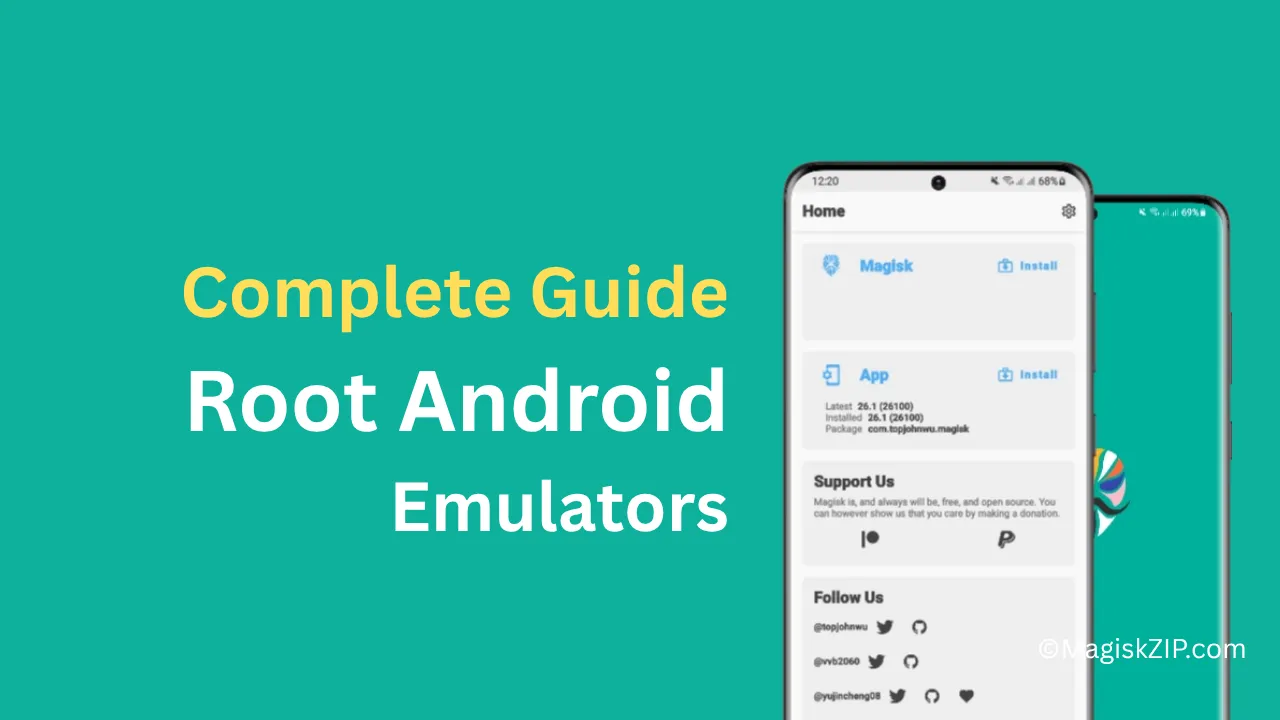
Rooting an Android emulator allows you to unlock advanced features like system-level access, app testing, and reverse engineering. The rootAVD script makes this process simple and works across multiple platforms including Android Studio, BlueStacks, WSL, MacOS, and Linux. This guide is written for beginners and covers everything from installation to rooting your emulator successfully. Requirements

How to Uninstall Bloatware on Any Android Phone (No Root Required)

How to Uninstall Bloatware on Any Android Phone

If you’re tired of unwanted system apps taking up storage space and slowing down your Android phone, you’re not alone. Most Android devices come with pre-installed apps that can’t be removed through the normal uninstall process. But here’s the good news—you can safely remove them without rooting your phone. This simple guide will walk you

How to Fix Bootloop After Installing a Magisk Module

How to Fix Bootloop After Installing a Magisk Module

Magisk is a powerful tool for rooting Android devices, allowing users to install modules that enhance functionality. However, sometimes installing an incompatible or faulty module can result in a bootloop, where your device gets stuck in a continuous restart cycle. This can be frustrating, but don’t worry—there are multiple ways to fix this issue. In

How to Install Magisk on BlueStacks 5 (Full Guide)

How to Install Magisk on BlueStacks 5

BlueStacks 5 is one of the most popular Android emulators, allowing users to run mobile apps on their PC. However, some apps detect root access and prevent usage. Magisk is a powerful tool that helps bypass these restrictions by providing systemless root and advanced module support. In this guide, we’ll walk you through the process

How to Uninstall System Apps Without Root Using Canta and Shizuku

Uninstall System Apps Without Root

Many Android devices come with pre-installed apps that you may not need. These apps take up storage, slow down your phone, and cannot be uninstalled easily. Normally, removing them requires root access, which can be complicated and risky. However, with the Canta app and Shizuku, you can uninstall system apps without rooting your device. This

How to Enable Circle to Search on Any Android Device Using MiCTS

How to Enable Circle to Search on Any Android Device Using MiCTS

Android’s Circle to Search is a powerful feature that lets users quickly search for anything on their screen by circling it. However, this feature is officially available only on select devices like Google Pixel and some Samsung models. If you want to enable Circle to Search on any Android device, MiCTS is the perfect solution.

How to Pass Integrity (With Strong) Check on Rooted Devices

how to pass integrity with strong

If you’ve been struggling with the Integrity (with strong) check on your rooted device, this guide will help you bypass it. Many users have been posting questions about this, so here’s a step-by-step process to help you pass the integrity check successfully. This method should work on most rooted devices. Tools You’ll Need: Before starting,

How to Install Android 16 GSI on any Project Treble Phone

How to Install Android 16 on any Phone

Are you ready to experience the latest features and improvements of Android 16? If you have a Project Treble compatible device, upgrading to Android 16 is a breeze. In this guide, we’ll walk you through two methods for installing the latest Android operating system on your device: using either custom recovery or ADB Fastboot. Whether

How to Unroot an Android Device Rooted with Magisk

How to Unroot an Android Device

Rooting your Android device using Magisk offers great flexibility, but sometimes you may want to unroot your device to receive official updates or for other reasons. In this guide, we’ll walk you through three simple methods to unroot your Android device: Method 1: Unroot Directly from the Magisk App Method 2: Flashing the Uninstaller ZIP