If you are looking for a simple way to install and test custom Android system images on your device, the DSU Sideloader APK is a tool worth knowing. In this blog, we will explain what DSU Sideloader is, its features, requirements, how to download and use it, and give credit to the developer.
At the end, we’ll also answer some common questions and invite you to share your thoughts in the comments.
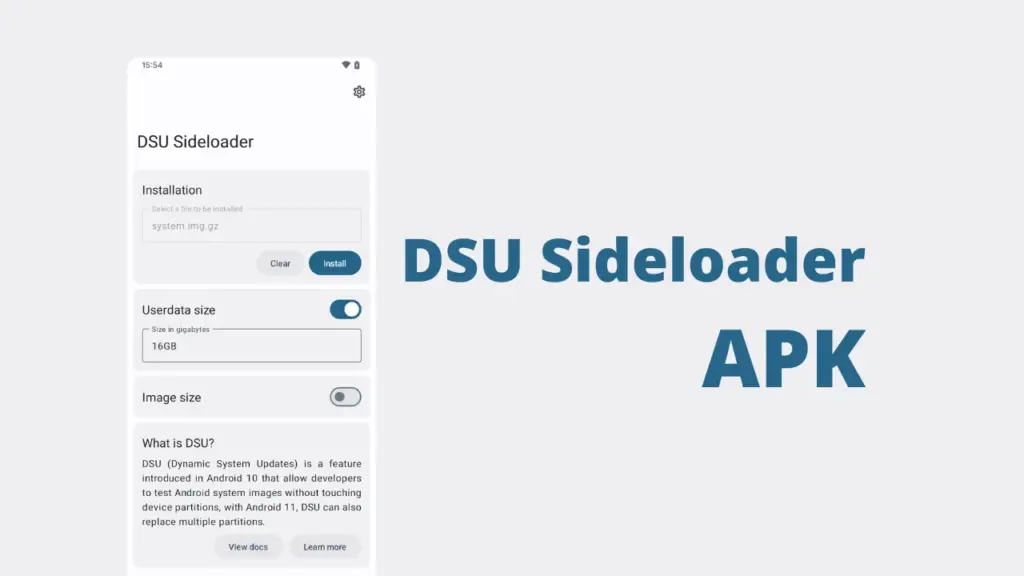
Table of Contents
What is DSU Sideloader APK?
DSU Sideloader is an Android app that lets you install Dynamic System Updates (DSU) easily. Normally, DSU is a feature built into Android that allows you to temporarily boot into a different system image without replacing your main OS. The DSU Sideloader APK makes this process much simpler by providing a user‑friendly interface to load custom GSI (Generic System Image) files.
Features of DSU Sideloader
- Easy Installation: Install GSIs without complex commands.
- User Interface: Simple and clean design for beginners.
- Supports Multiple Images: Load different Android versions or custom ROMs.
- Safe Testing: Try new systems without replacing your main OS.
- Open Source: The project is free and transparent.
Requirements
Before using DSU Sideloader APK, make sure your device meets these requirements:
- Android 11 or higher (DSU is supported from Android 11).
- Sufficient storage space for the system image.
- A device that supports DSU (most modern Android phones do).
- Basic knowledge of GSIs if you plan to test custom ROMs.
Download DSU Sideloader APK
You can download DSU Sideloader APK from trusted sources:
F-Droid: You can also install it directly from F-Droid.
Always download from official sources to ensure safety.
How to Use DSU Sideloader
- Install the APK: Download and install DSU Sideloader on your device.
- Open the App: Launch the app to access its interface.
- Select GSI File: Choose the system image you want to test.
- Start Installation: The app will load the image using DSU.
- Reboot into DSU: Once installed, reboot to try the new system.
- Return to Main OS: Restart your phone normally to go back to your original system.
Credit for Developer
DSU Sideloader was developed by VegaBobo, who made it open source and freely available for the Android community. Their work makes testing GSIs much easier for users and developers.
FAQs
Yes, it is safe if downloaded from official sources like GitHub or F-Droid.
No, DSU Sideloader works without root on supported devices.
No, DSU Sideloader is for temporary testing. For permanent installation, you need to flash the ROM.
You can simply reboot back into your main system. DSU does not overwrite your original OS.
Conclusion
The DSU Sideloader APK is a powerful yet simple tool for Android users who want to explore and test different system images without risk. It saves time, avoids complicated commands, and makes experimenting with Android versions much easier. If you are curious about custom ROMs or GSIs, this app is a must‑try.
Have you tried DSU Sideloader APK? Share your experience or questions in the comments below we’d love to hear from you!
