Franco Kernel Manager (FKM) is one of the most popular apps for Android users who want full control over their device’s performance.
Created by developer Francisco Franco, this app allows you to manage kernel settings, boost battery life, and customize your phone in ways that stock settings never allow.
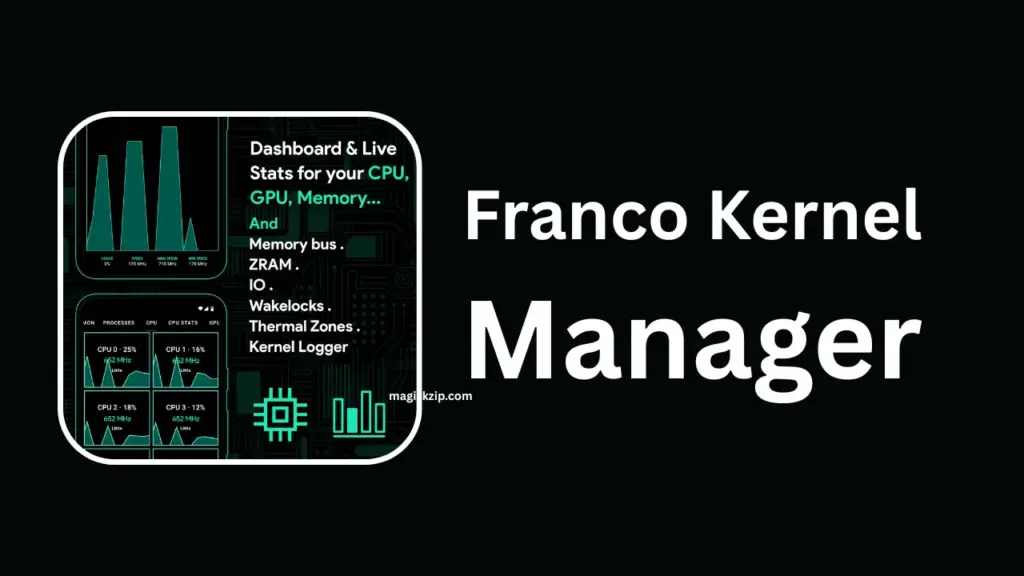
Table of Contents
Requirements
- Root access (Magisk recommended).
- Compatible kernel (stock or custom).
- Basic knowledge of Android tweaking.
Download Franco Kernel Manager
- Official Source: You can download Franco Kernel Manager directly from the Google Play Store.
- Requirements:
- A rooted Android device (Magisk or SuperSU).
- A compatible kernel (stock or custom).
- Android 6.0 or higher recommended.
Download Franco Kernel Manager on Google Play.
Key Features
- Battery Saver Profiles: Adjust CPU/GPU frequencies to extend battery life.
- Performance Boost: Overclock GPU or CPU for gaming.
- Custom Kernel Flasher: Easily flash new kernels without recovery.
- ZRAM & Memory Management: Fine-tune RAM usage for smoother multitasking.
- Automatic Updates: Import JSON configs for quick kernel updates.
- User-Friendly Interface: Clean design with easy sliders and toggles.
How to Use Franco Kernel Manager
- Install & Grant Root Access – After downloading, open the app and allow root permissions.
- Explore Profiles – Choose between battery-friendly or performance-focused presets.
- Adjust CPU/GPU Frequencies – Use sliders to set maximum and minimum values.
- Enable ZRAM – Helps improve multitasking by compressing memory.
- Flash Custom Kernels – Import kernel configs and flash directly from the app.
- Monitor Stats – Real-time graphs show CPU usage, temperature, and battery drain.
FAQs
Yes, root is required for kernel-level changes.
If used responsibly, no. But extreme overclocking may cause overheating.
Yes! Start with preset profiles instead of manual tweaks.
It works on most rooted devices, but features may vary depending on kernel support.
Final Thoughts
Franco Kernel Manager is a must-have tool for Android enthusiasts who want better battery life, smoother performance, and full control over their device. Whether you’re a gamer looking for extra speed or a casual user who wants longer battery endurance, FKM has something for you.
If you found this guide helpful, leave a comment below! Share your favorite settings or ask questions I’d love to hear your experiences.
