Ever wanted to prank your friends on a video call or stream a pre-recorded video as if it were live? GhostCam makes that possible. This clever Android app lets you replace your real camera feed with any video from your device, creating a virtual camera experience that works across all apps.
Whether you’re going live on TikTok, chatting on Instagram, or video calling on Facebook, GhostCam lets you show a custom video instead of your actual camera. It’s perfect for fun, creativity, and even professional use like online sales demos.
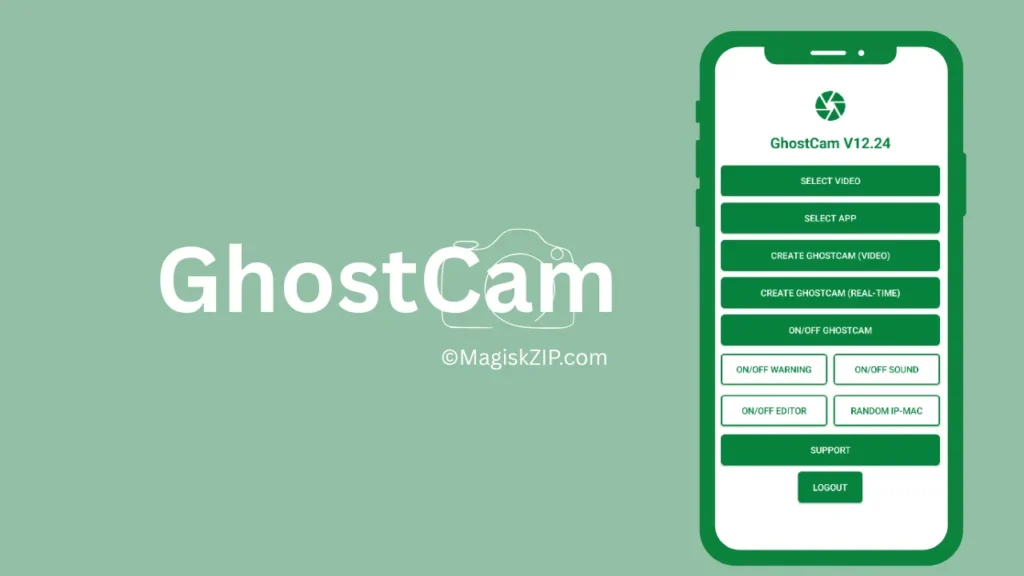
Table of Contents
What Is GhostCam?
GhostCam is a virtual camera tool designed for rooted Android devices. It allows users to simulate a camera feed using any internal video file. That means you can stream a saved video as if it’s happening live—ideal for pranks, presentations, or creative content.
The app is open-source and available on GitHub, making it accessible for tech-savvy users who want full control over their virtual camera setup.
Key Features
- Virtual Camera Feed: Replace your live camera with any video file.
- App Compatibility: Works with TikTok, Instagram, Facebook, Zoom, and more.
- Root Required: Needs root access to function properly.
- Customizable Setup: Choose and configure your video feed easily.
- Open Source: Free to use and modify under the MIT license.
Requirements
- A rooted Android device.
- Android OS compatible with GhostCam.
- Basic knowledge of installing third-party apps.
- Video files stored on your device for use as virtual feed.
Download
Download from the button below:
How to Use GhostCam
- Root Your Device: Make sure your Android phone is rooted.
- Install GhostCam: Download and install the app from GitHub.
- Choose Your Video: Select a video file from your internal storage.
- Set Up Virtual Feed: Configure GhostCam to use your selected video.
- Launch Any App: Open TikTok, Instagram, or any video app.
- Select GhostCam: Choose GhostCam as your camera source.
- Go Live or Call: Start streaming or video calling with your custom feed.
Check this also: Yet Another Bootloop Protector
Extra Tips
- You can use GhostCam for online sales presentations by showing product demo videos.
- Great for content creators who want to simulate live events.
- Make sure your video is high quality for best results.
FAQs
No, root access is required for GhostCam to work properly.
Yes, it’s open-source and safe if installed correctly on a rooted device.
It works on most rooted Android devices. Compatibility may vary slightly.
Absolutely! It’s great for demos, tutorials, and creative content.
Final Thoughts
GhostCam is a powerful and fun tool for anyone who wants to take control of their camera feed. Whether you’re pulling off a hilarious prank or delivering a polished product demo, this app gives you the flexibility to do it all. Just make sure your device is rooted, and you’re ready to explore a whole new way of going live.

does this work with already installed apps on phone only or it work with web apps that requires camera use too.
And can you make this to work with OBS very soon or now?