Want to stop certain apps from using the internet on your Android device? Whether you’re trying to save data, boost privacy, or block annoying background traffic Net Switch is the perfect tool.
It’s a lightweight Magisk module that lets you isolate apps from internet access without using a VPN. In this guide, we’ll walk you through everything: what it is, how it works, how to install it, and how to use it even from the terminal.
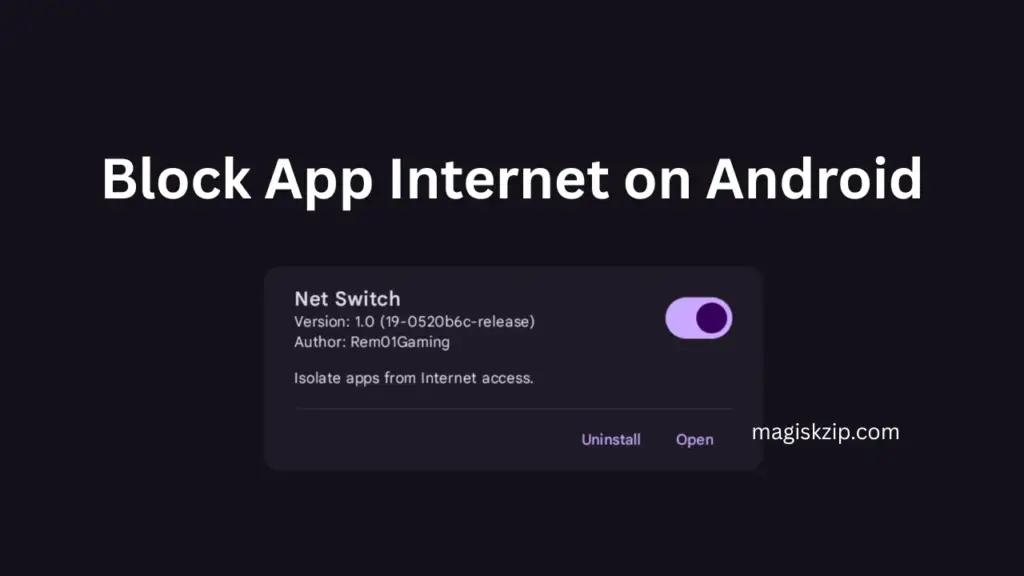
Table of Contents
What Is Net Switch?
Net Switch is a Magisk module that gives you full control over which apps can access the internet. It works by using iptables to block data traffic per app no VPN needed. That means better battery life and faster performance compared to other firewall tools.
Key Features
- Per-app internet isolation
- No VPN required (unlike AFWall)
- Battery-friendly
- WebUI for easy setup (on supported root managers)
Requirements
To use Net Switch, you need:
- A rooted Android device
- One of these root managers:
- APatch
- KernelSU
- Magisk (WebUI not supported directly)
- Optional: WebUI apps like KsuWebUI or MMRL (for Magisk users)
Download Net Switch
You can download the Net Switch module from the button below. Make sure to flash it using your root manager.
How to Install & Use Net Switch
Follow these steps to get started:
- Flash the Net Switch module using your root manager.
- Reboot your device.
- Open the Net Switch WebUI (use KsuWebUI or MMRL if you’re on Magisk).
- Select the apps you want to block from internet access.
- Changes apply instantly, no need to reboot again!
Terminal Guide
Prefer using the terminal? Here’s how:
- Block an app
netswitch block <package>- Unblock an app
netswitch unblock <package>- List blocked apps
netswitch list- Unblock all apps
netswitch unblock allUse Termux or any terminal app with root access.
FAQs
Nope! It works directly with iptables, so no VPN is required.
Not at all. It’s designed to be lightweight and efficient.
Yes, but Magisk doesn’t support WebUI directly. Use KsuWebUI or MMRL to access the interface.
No. Changes are applied instantly.
Final Thoughts
Net Switch is a powerful yet simple tool to take control of your Android device’s internet usage. Whether you’re boosting privacy or saving data, this module makes it easy to isolate apps without the hassle of VPNs or complex setups.
