The Nothing Phone 1 offers a unique design and clean user experience, but many users feel that the default camera app could deliver better photo quality. If you’re one of them, there’s a simple and powerful solution — install the Google Camera (GCam) port.
GCam, known for its advanced image processing, can significantly improve your photography results, especially in low light, portraits, and challenging lighting conditions.
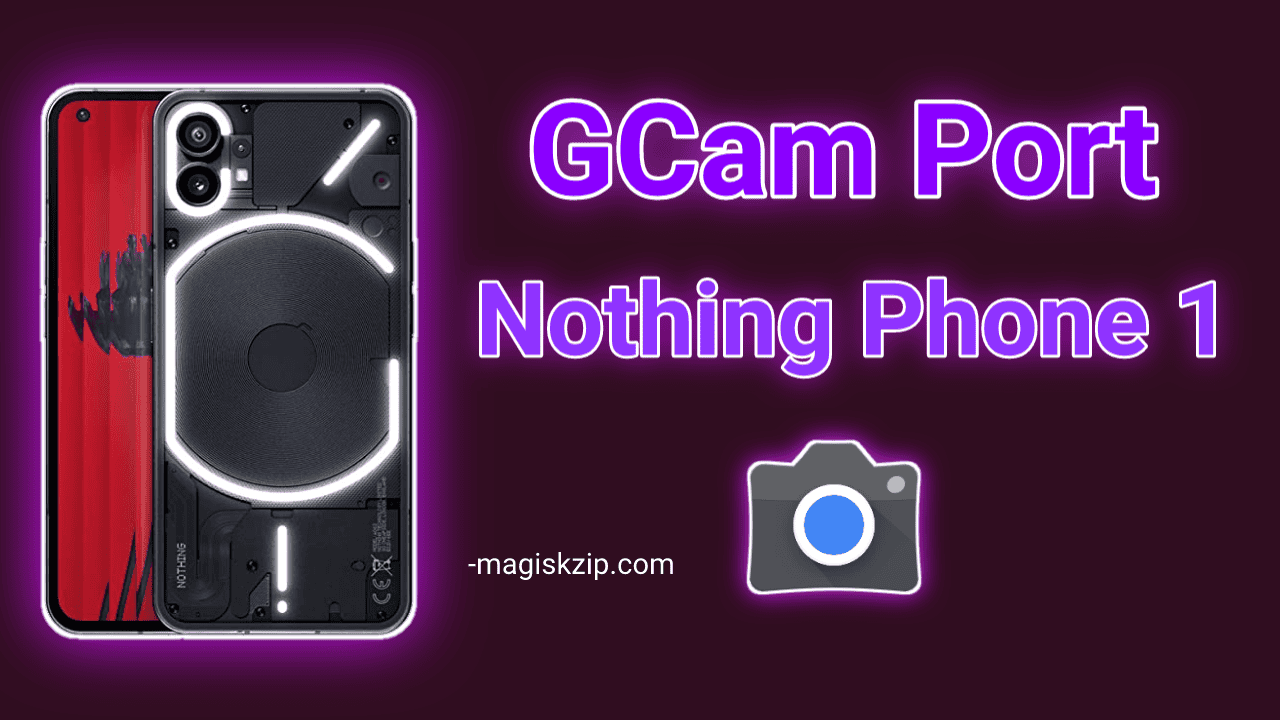
In this guide, you’ll learn:
- How to download and install the APK safely
- What GCam is
- Why it’s better than the stock Nothing OS camera
- The best GCam versions for Nothing Phone 1
Table of Contents
What is Google Camera (GCam)?
Google Camera (GCam) is the official camera app developed by Google for its Pixel smartphones. It uses advanced computational photography to process images and deliver high-quality results that outperform many stock camera apps.
Thanks to the developer community, modified versions of GCam are now available for a wide range of Android devices, including the Nothing Phone 1.
Why Use GCam on Nothing Phone 1?
While the Nothing Phone 1 has decent hardware, the default camera software may not always bring out its full potential. Here’s what GCam offers over the stock camera:
Night Sight
GCam’s Night Sight mode captures bright, detailed photos in low-light environments without needing flash.
HDR+
HDR+ combines multiple exposures to give you photos with better contrast, more detail in shadows, and accurate colors.
Portrait Mode
Portraits taken with GCam have improved background blur and better edge detection, making them look more natural and DSLR-like.
Astrophotography
Capture long-exposure shots of the night sky, stars, and landscapes with impressive clarity.
Sharper and More Balanced Images
GCam delivers more consistent results in all lighting conditions, with clearer detail and better exposure than the stock Nothing OS camera app.
Best GCam APKs for Nothing Phone 1
Here are two of the most reliable and tested GCam ports for the Nothing Phone 1:
1. GCam by BSG
BSG is one of the most trusted GCam developers. His version is stable and supports all major features like Night Sight, HDR+, and more.
- Supports Android 12 and 13
- Regular updates
- Good compatibility with Nothing OS
Download Link:
2. GCam by Urnyx05
Urnyx05’s GCam port is known for excellent performance and a clean interface. It works well with mid to high-end Android phones, including Nothing Phone 1.
- Great for portraits and night photography
- Easy to configure
- Smooth performance
Download Link:
How to Install GCam on Nothing Phone 1
Follow these steps to install GCam safely:
- Choose one of the GCam APKs above and download it.
- On your phone, go to Settings > Security > Install unknown apps and allow your browser or file manager to install APKs.
- Open the downloaded file and tap Install.
- Once installed, open GCam and allow all necessary permissions.
- Start taking photos using the new app.
Optional: Some versions include configuration files (.xml) to improve compatibility. Check the download page for instructions if needed.
FAQs
Yes, as long as you download it from trusted sources like Celso Azevedo’s website.
No, GCam installs as a separate app. You can use both the stock camera and GCam side by side.
No root access is required. You can install GCam just like any other app.
Most core features like Night Sight, HDR+, and Portrait Mode will work. However, a few features may vary depending on the version and your system compatibility.
Final Thoughts
The default camera on the Nothing Phone 1 is good, but with Google Camera (GCam), it can be even better. Whether you’re taking night shots, portraits, or landscape photos, GCam delivers noticeably improved results with no technical setup required.
If you’re serious about getting the best camera performance from your Nothing Phone 1, GCam is worth trying.
Have you installed GCam on your Nothing Phone 1 yet?
Which version did you choose — BSG or Urnyx05?
Feel free to share your experience or ask for help in the comments below.
We’re here to help you get the most out of your smartphone photography.

Gcamport