Samsung is back with another round of updates, and this one’s a big deal. If you own a Galaxy phone, especially from the S, A, M, or F series, you might be getting the One UI 7 update this week.
And trust me it’s not just a routine patch. This update brings a fresh look, smarter features, and a whole lot of AI magic.
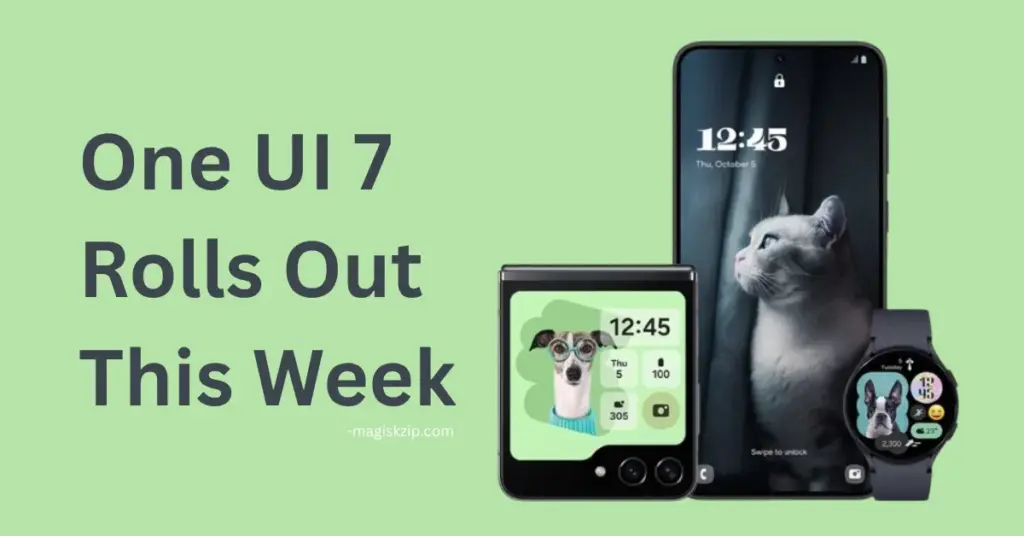
Table of Contents
Which Galaxy Phones Are Getting the Update?
Here’s the list of devices expected to receive the update this week:
- Galaxy S24 FE – Getting the June update in India, Europe, and other regions.
- Galaxy S24 – Receiving a second May or early June update in India and more.
- Galaxy A33 – One UI 7 is rolling out in India.
- Other A, M, and F series phones – Select models are also included in this wave.
If your phone is on this list, keep an eye out for a notification. Updates usually roll out in phases, so it might take a day or two to reach everyone.
What’s New in One UI 7?
One UI 7 is based on Android 15, and it’s packed with features that make your phone feel faster, smarter, and more personal. Here are some of the highlights:
- AI Writing Assist – Helps you write better messages and emails.
- Transcript Assist & Audio Eraser – Great for meetings, interviews, or voice notes.
- Drawing Assist – Makes sketching and editing easier.
- Google Gemini Integration – Long-press to launch Gemini right from your screen.
- Circle to Search – Just draw a circle around anything to search it instantly.
- Cross-App Drag & Drop – Move text or images between apps with ease.
- New UI Design – Cleaner home screen, updated icons, and a more modern lock screen.
- Camera Upgrades – Better zoom, layout, and even pro-level video tools.
- Gallery Enhancements – Create collages, edit faces, and more.
What About Older Features?
If you’ve already been using One UI 7 or saw earlier updates, here are some features that are still worth mentioning:
- Split Quick Panel – Easier access to brightness and volume controls.
- Rounded Notifications – A fresh, modern look for alerts.
- Vertical App Drawer – Scroll up and down to find apps faster.
- Custom Widgets – More styles and sizes to personalize your home screen.
- Hide App Labels – Keep your screen clean by hiding app names.
These features might not be brand new, but they still make a big difference in daily use.
Check this also: One UI 7 Stable Release Schedule
How to Update Your Phone
Not sure how to check for the update? It’s simple:
- Open Settings.
- Tap Software Update.
- Select Download and Install.
- Make sure your phone is charged and connected to Wi-Fi.
If the update isn’t there yet, don’t worry it’s coming soon.
Samsung One UI 8 - Leaked Features, Release Timeline & Everything
Final Thoughts
Samsung is clearly pushing hard to bring AI and smart features to more users not just those with the latest flagship. Whether you’re using a premium Galaxy S24 or a budget-friendly A-series, One UI 7 is designed to make your phone feel new again.
So, is your phone on the list? If yes, get ready for a smoother, smarter experience this week.
