Keeping your Android phone clean and fast is really important, but many cleaning apps are confusing or don’t work well. That’s where SD Maid SE (also called SD Maid 2) comes in. It’s easy to use, small in size, and helps you remove junk files and free up space on your phone.
SD Maid SE is a new and improved version of the older SD Maid app. It works better on modern Android phones and gives you more useful features. If your device feels slow or full of useless files, this app can help clean things up quickly and safely.
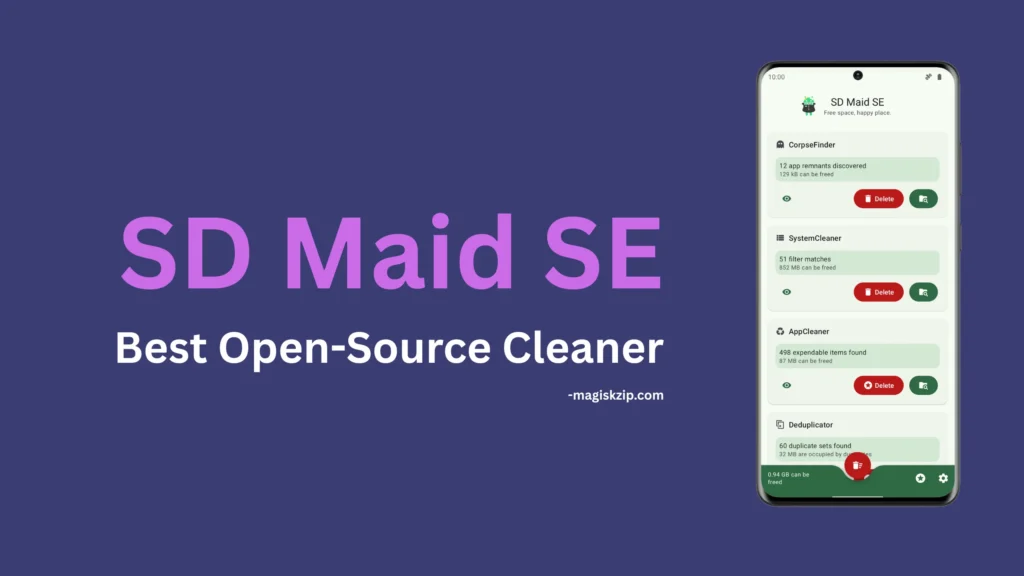
Table of Contents
What is SD Maid SE?
SD Maid SE (System Edition) is a powerful file management and maintenance tool for Android devices. It is designed to remove unnecessary files, clean up leftover data from deleted apps, and keep your device organized and performing smoothly.
Unlike regular cleaner apps, SD Maid SE focuses on doing fewer things but doing them very well.
Features of SD Maid SE
Here are the main features that make SD Maid SE stand out:
- CorpseFinder: Finds and deletes files left behind by uninstalled apps
- AppCleaner: Clears cache and expendable data
- SystemCleaner: Customizable filters to detect junk files
- Scheduler: Automatically run cleaning tasks on a schedule
- AppControl: Disable or freeze apps you don’t use
- StorageAnalyzer: Get a clear view of how your storage is used
- Deduplicator: Detects and removes duplicate files
- Root & Shizuku Support: Works with advanced system permissions for deeper cleaning
Requirements
To use SD Maid SE, your device must meet these basic requirements:
- Android 8.0 or higher (API 26+)
- Optional: Root access or Shizuku setup for more advanced features
- Minimal permissions required for basic usage
Does SD Maid SE Require Root?
Not necessarily. SD Maid SE works perfectly fine without root access. But if you do have root or Shizuku set up, the app can perform deeper cleanups and access more system-level data ideal for power-users who want full control.
Download SD Maid SE
You can download the FOSS version directly from the developer’s GitHub or F-Droid:
Install Guide
Installing SD Maid SE is simple:
- Download the APK from GitHub or F-Droid
- Enable “Install from unknown sources” in device settings
- Tap the APK file and follow installation instructions
- Launch the app and configure cleanup filters based on your needs
- (Optional) Set up Shizuku or root access for advanced features
Additional Info for Users
- SD Maid SE is a complete rewrite of SD Maid 1 for newer Android versions
- It’s easier to use, with modern UI themes and better error handling
- Regular updates and feature requests are actively welcomed
- You cannot transfer Pro status from SD Maid 1 to SE due to technical and economic reasons
FAQs
You can’t fully migrate, but you can import filters and exclusions.
Only basic security fixes SD Maid SE is the future.
SD Maid SE focuses on what works best, avoiding feature creep for reliability.
Yes, but GitHub/F-Droid versions are better for privacy and open-source users.
Final Thoughts
SD Maid SE is not just another cleaner app it’s a tool built with care and precision for users who want total control over their Android storage. Whether you’re switching from the legacy SD Maid or just discovering it now, this new version offers powerful features in a sleek, modern package.
If you found this post helpful, leave a comment below and share your experience with SD Maid SE. Your feedback helps the developer and other users too!
