If you’re tired of high ping, laggy mobile games, or slow downloads on your rooted Android phone, the Network Enhancer Magisk Module might be the solution you’ve been waiting for.
This module fine-tunes your system at the kernel level to improve stability, reduce latency, and maximize throughput. Let’s explore what it is, how it works, and how you can use it.
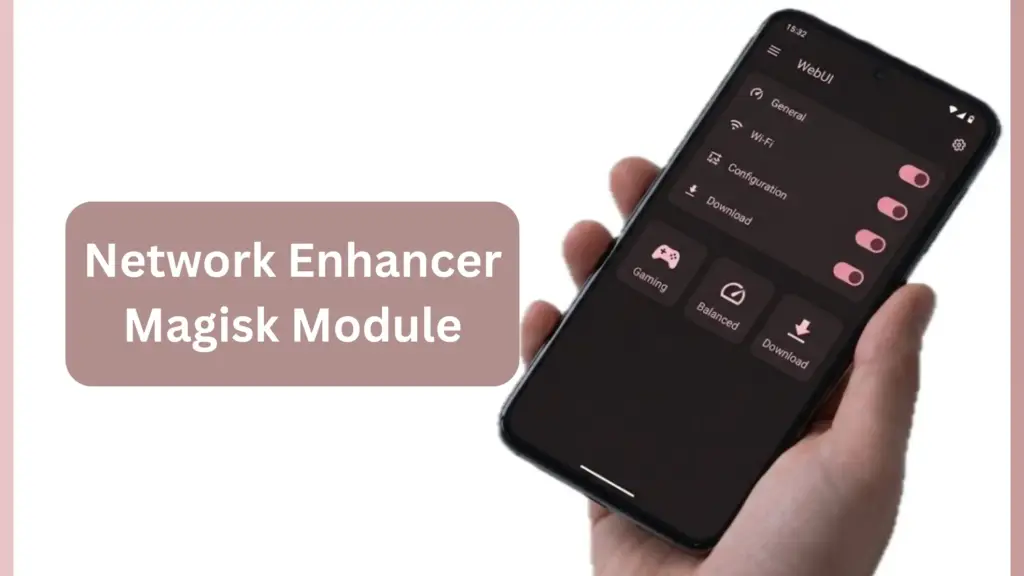
Table of Contents
What is Network Enhancer?
Network Enhancer is a Magisk/KernelSU/APatch-compatible module designed to optimize your device’s networking performance. It applies advanced tweaks to TCP/IP, buffers, and latency settings, ensuring smoother online gaming, faster downloads, and more reliable streaming.
Requirements
- Root access via Magisk, KernelSU, or APatch
- Android device with stable internet connection
- Optional: KSUWeb app for interactive WebUI profile switching
Features of Network Enhancer
- Stable Connectivity: Keeps your connection consistent across Wi-Fi and mobile data.
- Reduced Latency: Lowers ping for smoother online gaming.
- Dynamic Profiles: Gaming, Balanced, and Download modes for different needs.
- Adaptive RAM Scaling: Adjusts memory usage for optimal performance.
- WebUI Support: Switch profiles instantly without reboot.
- Custom DNS Options: Configure DNS for better privacy and speed.
- VPN-Safe Optimization: Works alongside VPNs without breaking connectivity.
Download
You can get the latest release from the official GitHub repository under the Releases section. Look for the .zip file (e.g., NetworkEnhancerV5.0.zip).
Installation
- Download the .zip file.
- Open Magisk Manager (or KernelSU).
- Go to Modules → Install from Storage.
- Select the downloaded file.
- Reboot your device.
How to Use
- After installation, open the WebUI via KSUWeb app.
- Choose between Gaming, Balanced, or Download profiles depending on your activity.
- Profiles can be switched instantly without reboot.
Troubleshooting
- Conflicts: Avoid using multiple network modules at once.
- Wi-Fi/Mobile Data Issues: Reboot and reapply settings.
- DNS Problems: Reset DNS in WebUI or uninstall the module to restore defaults.
FAQs
Yes, but performance may vary depending on your carrier and network.
Not recommended, as similar tweaks may conflict.
Yes, it’s specifically optimized to reduce ping and packet loss in games like PUBG, BGMI, Free Fire, and COD Mobile.
Ending
The Network Enhancer Magisk Module is a must-have for rooted Android users who want smoother gaming, faster downloads, and more reliable connectivity. With its dynamic profiles and WebUI support, it’s one of the most versatile networking modules available today.
Have you tried this module? Share your experience and thoughts in the comments below.