DroidPerf, a tool designed to help developers and researchers analyze memory usage inside Android applications. If you want to optimize how an app handles data and improve Android Runtime (ART) memory performance, this guide breaks down everything step-by-step using clear terms.
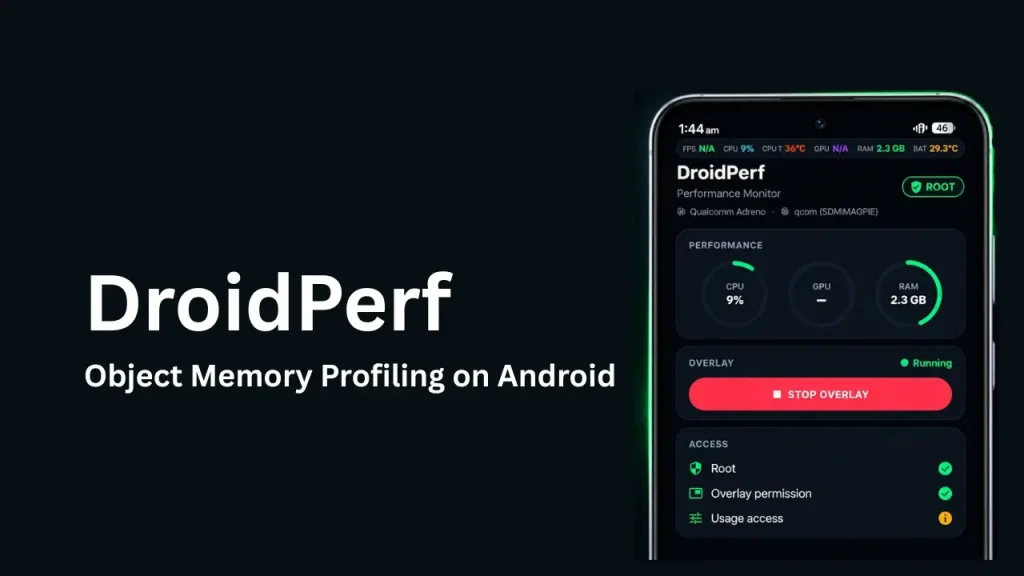
Table of Contents
What is DroidPerf?
DroidPerf is an open-source memory profiler made specifically for the Android Runtime (ART). Most profiling tools show overall memory graphs, but DroidPerf links memory performance to specific objects used by an Android app.
By showing object-level details, DroidPerf helps developers organize data layouts and access patterns so apps use less memory and run faster.
Features of DroidPerf
- Object-Level Profiling: Pinpoints memory inefficiencies down to individual application objects.
- Android Runtime Focus: Tailored for the ART environment to capture memory behaviors unique to managed app execution.
- Locality Guidance: Helps developers arrange data layouts efficiently to boost system cache performance.
- Lightweight Operation: Designed to profile apps with minimal runtime slowdown.
- Open Source: Free to use, modify, and build upon under the open-source MIT License.
Requirement
Before installing and using DroidPerf, make sure you have the following prerequisites ready:
- Host Machine Tools: GCC (version 4.8+), CMake (version 3.4+), Android SDK (version 33+), and Android NDK (version 21+).
- Terminal App (Optional): Termux installed on your Android device (if you prefer building directly on your phone).
- Rooted Android Device: An arm64-v8a compatible Android phone with root privileges (su access).
- USB Cable & ADB: A USB cable to connect your phone to a computer with Android Debug Bridge (ADB) installed.
Download
You can get the official DroidPerf source code directly from its GitHub repository:
- Main Repository: https://github.com/Xuhpclab/DroidPerf
- Termux App (if needed): Download the latest version of Termux via F-Droid at https://f-droid.org/packages/com.termux/.
Install
You can compile and set up DroidPerf using a computer or directly inside Termux on your Android phone.
Method 1: Building on your Computer (Recommended)
- Open your terminal and clone the repository:
git clone https://github.com/Xuhpclab/DroidPerf.git
cd DroidPerf - Run the build script using your local Android NDK path and target architecture (arm64-v8a):
sh build.sh ~/Android/Sdk/ndk/21.1.6352462 "arm64-v8a" - This creates the compiled profiling library file named libdroidperf.so.
Method 2: Setting up Termux on Android
- Download and install Termux from F-Droid.
- Open Termux and update the package repository:
pkg update && pkg upgrade -y - Install required build tools inside Termux:
pkg install git cmake clang make -y
How to Use
Follow these steps to run a profiling session on your target Android application:
- Connect your rooted Android device to your computer via USB.
- Open the application you want to inspect on your phone.
- Transfer libdroidperf.so to your phone using ADB:
adb push libdroidperf.so /sdcard/Download - Open your computer terminal, access the device root shell, and set your target app variables:
adb shell su
PATH_APP="/data/data/your.target.package.name"
PID_TARGET="YOUR_APP_PROCESS_ID" - Move the profiling library into the target application’s directory, adjust system permissions, and initiate memory profiling:
cp /sdcard/Download/libdroidperf.so $PATH_APP
chmod 777 $PATH_APP/libdroidperf.so
Credit
DroidPerf is created and maintained by researchers at Xuhpclab, along with open-source contributors like MinghoKwok. The project is licensed under the permissive MIT License.
Troubleshoot
- NDK or CMake Version Error: Verify that your system paths point to GCC 4.8+, CMake 3.4+, and Android NDK 21+.
- Permission Denied in ADB: Ensure your phone is rooted and that you granted superuser access when running adb shell su.
- Old Termux Installation Issues: Avoid downloading Termux from the Google Play Store (it is outdated). Always install the updated build from F-Droid.
FAQs
No, DroidPerf requires root access to read internal app directories and hook into the Android Runtime memory heap.
The Google Play version of Termux is deprecated and no longer receives package updates. The F-Droid build is fully maintained and functional.
DroidPerf is designed specifically for software developers,Android engineers, and computer science researchers analyzing application memory efficiency.
Conclusion
DroidPerf provides a practical, object-centric way to inspect and optimize memory performance on the Android Runtime. Whether you compile it on your desktop computer or manage dependencies using Termux, it offers deep visibility into how objects consume memory resources.
If you have any questions or run into trouble setting up DroidPerf, please leave a comment below!