LocalSend is a free, open‑source app for fast, private file and message sharing over your local network without internet, it runs on Android, iOS, Windows, macOS, and Linux and uses HTTPS for secure transfers. This guide explains what LocalSend is, how to get it, install it, use it, and troubleshoot common issues for everyday users in simple language.
This post walks you through what LocalSend does, its main features, system requirements, where to download it, how to install and use it step by step, plus credits, troubleshooting tips, and FAQs.
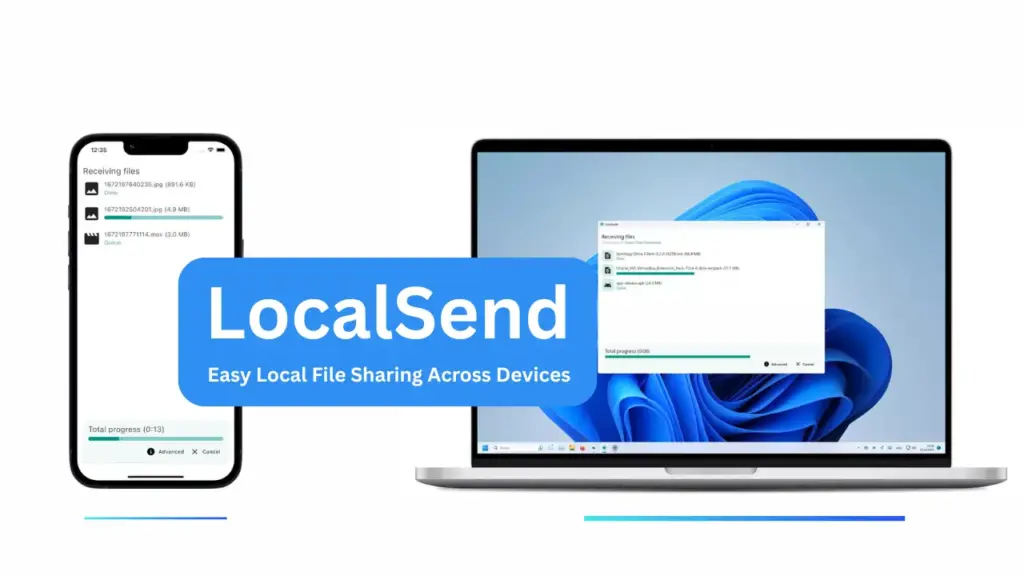
Table of Contents
What is LocalSend?
LocalSend is a cross‑platform, open‑source app that lets you share files and messages with nearby devices over your local network. It does not rely on cloud servers or the internet; transfers happen directly between devices using a REST API and HTTPS encryption for privacy.
Features of LocalSend
- Cross‑platform support: Android, iOS, Windows, macOS, Linux, and more.
- Secure transfers: Uses HTTPS and local REST API.
- No internet required: Works on the same Wi‑Fi or local network.
- Multiple distribution channels: App stores and package managers (Play Store, App Store, Flathub, Winget, AUR, Snap, etc.).
Requirements
- Devices must be on the same local network (same Wi‑Fi).
- Minimum OS: Android 5.0+, iOS 12.0+, macOS 11+, Windows 10 recommended; Linux support varies by distro.
- Firewall/router: Allow traffic on TCP/UDP port 53317 and disable AP isolation on guest networks if needed.
Download
Get LocalSend from official channels for safety: GitHub releases, official website, or your platform’s app store or package manager. Recommended sources are listed in the project README and packaging pages.
Install
- Mobile (Android/iOS): Install from Play Store / App Store or sideload APK from trusted release.
- Desktop (Windows/macOS/Linux): Use the installer for your OS (EXE/DMG/DEB/AppImage) or package manager (Winget, Homebrew, Snap, AUR). Follow the platform prompts.
How to Use
- Open LocalSend on both devices.
- Ensure both devices are on the same Wi‑Fi.
- On the sender, choose files or a message and tap Send.
- The receiver accepts the incoming transfer. Transfers use HTTPS and are direct between devices.
Credit
LocalSend is developed and maintained by the localsend community on GitHub under the Apache‑2.0 license. Contributions, translations, and packaging are community driven.
Troubleshoot
- Devices not discovered: Check Wi‑Fi, disable AP isolation, and allow port 53317 through firewalls.
- Transfer fails: Try restarting the app, check both devices’ network settings, or use a different network.
FAQs
No, only a shared local network.
Yes, transfers use HTTPS encryption.
Use app stores or check the GitHub releases page.
Conclusion
LocalSend is a simple, private way to move files between nearby devices without cloud services. Try it on your devices and leave a comment below to share your experience or ask questions.