EvilFont is a systemless Magisk/KernelSU module that replaces Arabic/Persian fonts and adds Apple-style emojis on Android, it’s open‑source, lightweight, and installed via a guided installer in the module ZIP.
This post explains what EvilFont is, what it does, what you need, how to download and install it, and how to troubleshoot common problems.
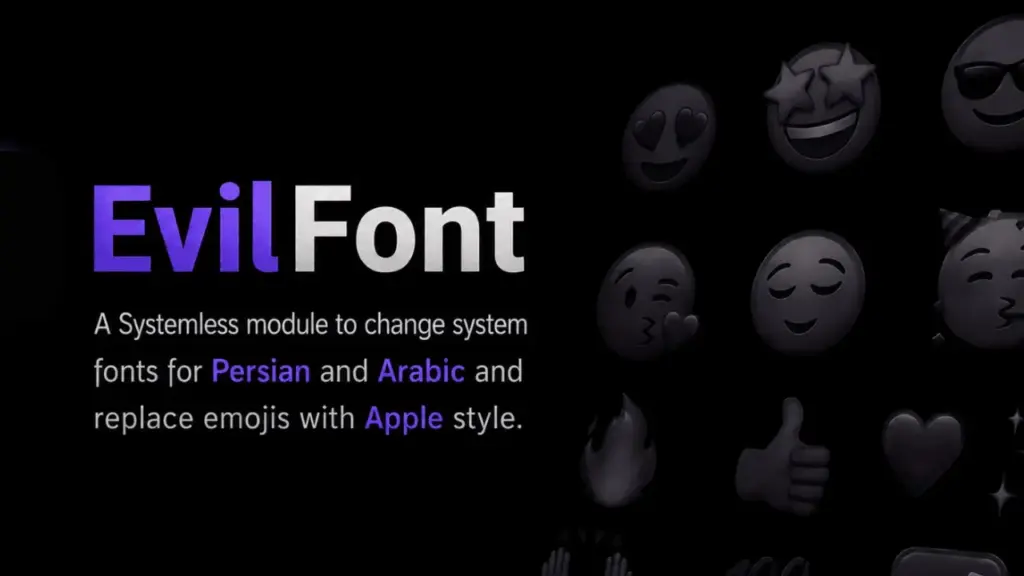
Table of Contents
What is EvilFont?
EvilFont is a systemless module for rooted Android devices that lets you change the default Arabic/Persian font and optionally install Apple-style emojis. It applies changes without modifying the /system partition so it aims to keep SafetyNet/Play Integrity intact.
Features of EvilFont
- Interactive installer using volume keys to pick fonts and emoji versions.
- Modular selection: install font only, emoji only, or both.
- Curated Arabic/Persian fonts (multiple open-source choices).
- Multiple emoji versions including support for iOS 18.4 and macOS 26 styles.
- Apache‑2.0 licensed and uses Apple emoji assets under compatible terms.
Requirements
- Root manager with Magisk, KernelSU, or APatch installed.
- A compatible Android ROM (most AOSP and many custom skins supported).
- Backup your data before making system changes (always recommended).
Download
Get the latest EvilFont‑v2.x.zip from the project Releases on GitHub (official repo). Use the Releases page on the repository to download the ZIP.
Install
- Open your root manager app (Magisk or KernelSU).
- Go to Modules and choose Install module from ZIP.
- The module’s interactive installer will run; use volume keys to navigate and select font/emoji options.
- Reboot your device after installation.
How to Use
- To change choices later, reinstall the module and pick different options during the interactive installer.
Credits
- Developer: DeDeadend (repository owner).
- Emoji assets: sourced from samuelngs/apple-emoji-linux under Apache‑2.0 terms.
Troubleshoot
- If emojis or fonts don’t appear: Reboot again; ensure module is enabled in your root manager.
- SafetyNet/Play Integrity fails: Uninstall module and test; systemless approach reduces risk but does not guarantee passing.
- Installer hangs: Re-download the ZIP from Releases and retry.
FAQs
No – it requires Magisk, KernelSU, or APatch.
Yes – the module supports installing only the emoji pack.
No – EvilFontTool is a different project (font deception tool) on PyPI/GitHub; don’t confuse them.
Conclusion
EvilFont is a simple, systemless way to change Arabic/Persian typography and add Apple emojis on rooted Android devices. Follow the official GitHub Releases for downloads and updates, and always back up before installing. Leave a comment below if you try it or need help.
Amazing 😍