Yurikey Manager is a systemless Android module that helps restore strong Play Integrity and hide root on rooted devices; the project is actively maintained with recent releases and a web UI overhaul.
This article explains what Yurikey Manager is, how it works, why you might use it on a rooted phone, and how to download, install, and operate it safely. You will find step‑by‑step guidance, system requirements, common troubleshooting tips, and credits to the project maintainers. The content is based on the official repository and release notes.
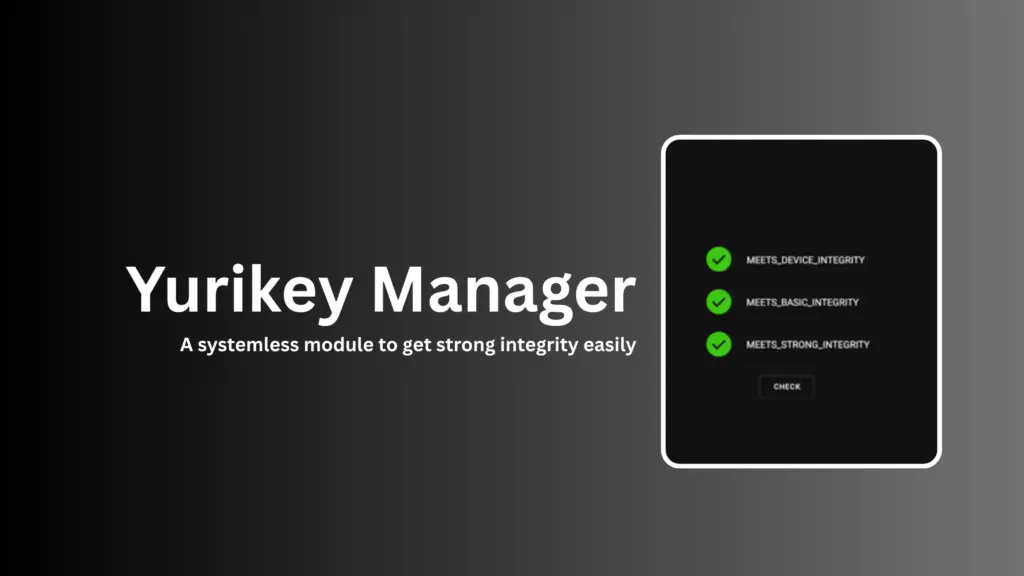
Table of Contents
What is Yurikey
Yurikey is a systemless module for Android designed to restore strong integrity signals (Play Integrity) and to help hide root from apps that detect it. It provides a manager interface and integrates with Play Integrity Fix (PIF) and related tools to improve compatibility with apps that enforce integrity checks.
Supported framework
Supported root frameworks include Magisk, KernelSU forks, and other systemless root managers that allow module installation without modifying the system partition. The project targets environments where modules can run systemlessly and interact with Zygisk or similar hooks.
Features of Yurikey
- Systemless operation to avoid permanent system changes.
- Play Integrity Fix (PIF) integration and detection improvements.
- Web UI manager for easier configuration (major UI overhaul in recent versions).
- Multi-language support and signed releases for tamper detection.
Requirements
- Rooted Android device with a systemless root manager (Magisk or KernelSU fork).
- Zygisk or equivalent if you want process-level hiding.
- Optional modules: Play Integrity Fix or Play Integrity Fork and Tricky Store for some workflows.
Why use this module on rooted phone
- Restore app compatibility: Many banking, streaming, and payment apps block rooted devices; Yurikey helps present stronger integrity signals.
- Systemless approach reduces risk of bricking and makes uninstallation simpler.
- Active maintenance and signed releases increase trust and reliability.
Download
Official releases and signed zips are available from the project’s GitHub releases page. Always download the latest signed release to reduce tampering risk.
Install
- Backup your device and data.
- Install required dependencies (PIF, Tricky Store) if prompted.
- Install the Yurikey zip via your root manager’s module installer.
- Reboot and open the Yurikey Manager UI to configure.
How to use this
- Open Yurikey Manager after installation.
- Use the action button to apply integrity fixes or hide root for selected apps.
- Check logs and the module’s UI for detection status and recommended additional modules.
Troubleshooting and Tips
- If you see errors during action scripts, ensure Tricky Store and PIF are installed.
- Use the signed release files to verify integrity.
Credit
Project maintainers and contributors listed on the GitHub repository and release pages; community channels (Telegram) host discussions and support.
FAQs
It’s actively maintained and offers signed releases, but any root-level tool carries risk—backup first.
Often yes—PIF and Tricky Store are commonly required for full functionality.
Ending
This guide gives you the essentials to understand, install, and use Yurikey Manager on rooted Android devices. If you try it, leave a comment below with your experience or questions and always follow safety best practices when modifying system behavior.